Offer the slot to your waitlist
When an appointment opens up, we offer it to the next suitable person on your waitlist. This n8n pack gives each offer a time limit and records the reply, so you can see who was contacted and what happened.
Buy the download · $29 The n8n download, $29 USD
The question
this build answers
How can I offer cancelled appointments to a waitlist using WhatsApp?
An n8n workflow can read available Google Calendar slots, choose eligible people from a waitlist and send timed WhatsApp offers in sequence. This pack includes an owner-only preview mode and a separate daily digest.
How the workflow works
Follow the inputs, decisions and outputs before connecting your accounts.
Find a freed slot
We read calendar changes and match the slot against your service and timing settings.
Choose an eligible person
The workflow checks your waitlist and offer history before preparing the next offer.
Wait for the reply
A held offer can be accepted or declined. When its time runs out, the workflow moves to the next eligible person.
Keep the records
Slots, offers and replies are logged in your sheets, with failures recorded for attention and a daily digest for the owner.
The n8n download, $29 USD
WhatsApp waitlist backfill
The waitlist and digest workflows come with the sample sheet layouts and setup guide. We include client use in the licence; you may configure them for your clients, but may not resell the files. This purchase covers the files; connect your own accounts, or arrange hands-on installation as a separate service with its own scope and price.
Buy the download · $29Need more workflows? $59 USD
Booking Pack
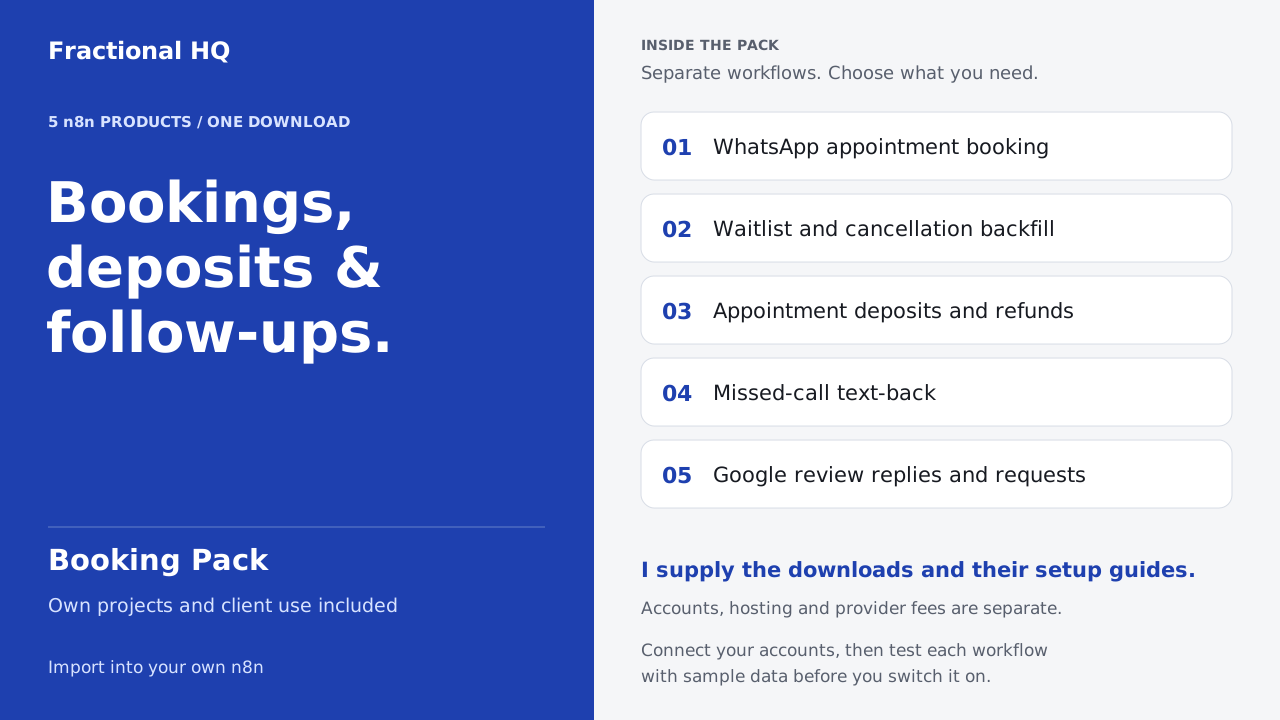
The Booking Pack gives appointment teams five products with seven workflow files. We include the original setup guides so you can configure and test each workflow separately for the part of your booking process you want to improve.
Buy the Booking Pack · $59Accounts and running costs
You will need n8n, Google Calendar and Google Sheets, WhatsApp Business access, Gmail and a maintained waitlist.
Use your own accounts and connect their credentials in n8n. Hosting and provider charges are separate from the download. Run a sample through the connected workflow before enabling it.
Preview the complete sequence
Fill the supplied sheet layouts and replace the settings placeholders before running the workflow. Start with send_mode set to preview: offers arrive in your own email inbox, and a preview acceptance does not create a calendar booking.
Test the reply webhook and opt-out handling before enabling customer messages. WhatsApp Business access and message-template approval are your responsibility.
Know the booking limit
Test the sequence with your own data before activating it.
Two replies in separate webhook calls can arrive at the same instant and both book the same slot. A calendar recheck is not a transaction lock. Use a booking system with atomic reservations if you must prevent that race.
Before you spend anything
The fit matters.
Keep an existing waitlist that works
If your booking platform already offers timed waitlist invitations, use that feature first. This pack fits a team that uses Google Calendar and is prepared to configure and maintain its own n8n workflow.
Yours to keep
What lands
on your desk.
- Two editable n8n workflows for waitlist offers and a daily digest.
- A setup guide and five sample CSV sheets for errors, messages, offers, slots and waitlisted people.
Source workflow
Inspect the template
The public n8n listing describes this workflow and its setup.
A few useful
answers.
Does it contact real customers during preview?
Preview mode emails offers to the owner. It does not send WhatsApp offers or create calendar bookings from preview acceptances.
Can two people accept the same slot?
Separate replies processed at the same instant can both pass the calendar check. Do not rely on this pack for atomic slot locking.
A little further down
the same path.
Related builds for the rest of your business.
Licence and support
Personal and commercial use on your own instances and for your own clients. Do not resell or redistribute the files themselves.
Email support@fractionalhq.uk and include your order email.
Ways to get this
Download it,
or ask for a build to fit.
Download it
$29 USD
The workflow files and the setup guide, to import into your own n8n.
Buy the download · $29Ask for a build to fit
Quoted to your job
Tell us what your version needs to do. One line is enough to start.
Start a brief