Stop double-booking on WhatsApp
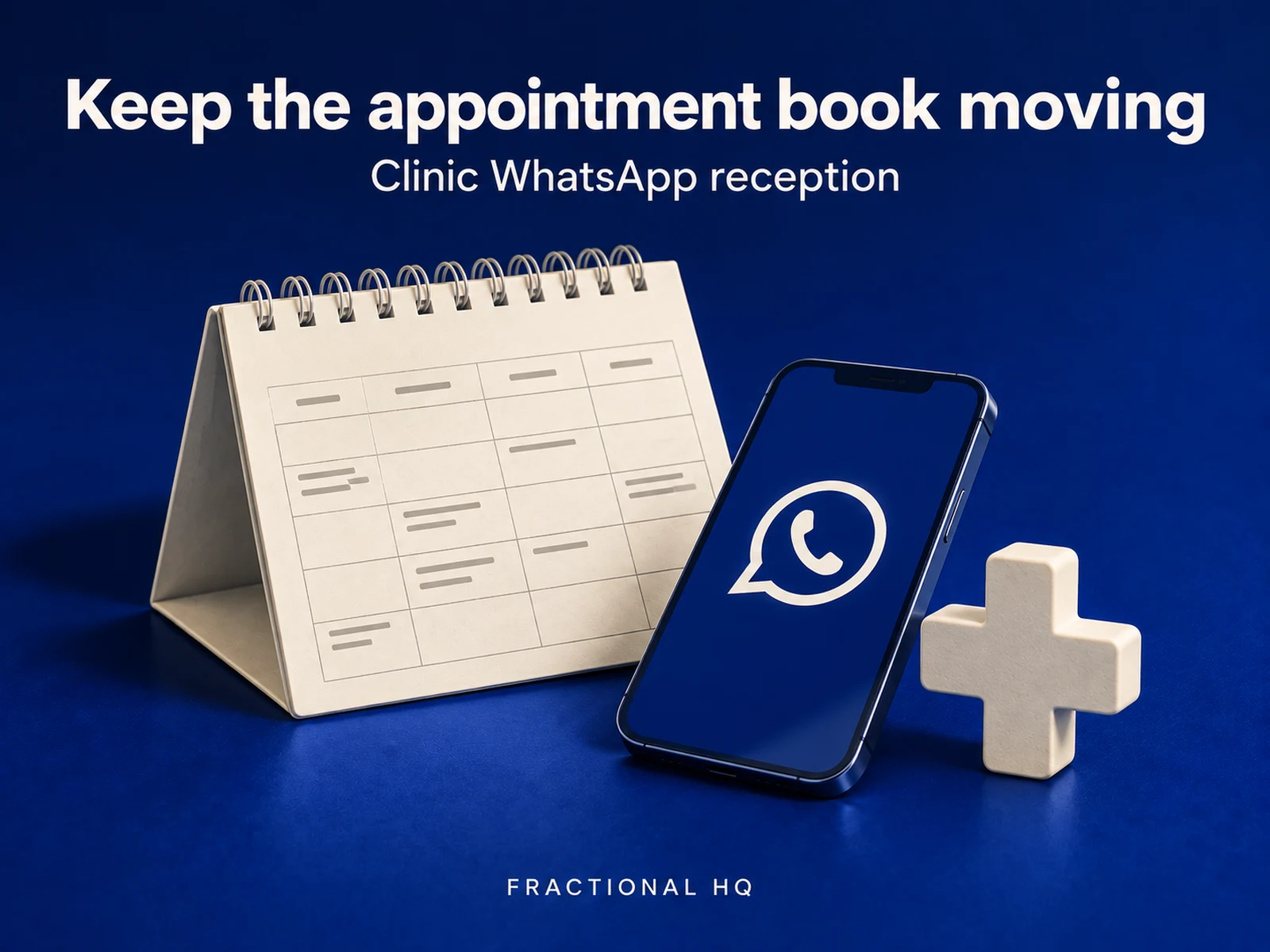
A customer messages your WhatsApp number wanting a slot, and whoever answers first keeps the customer. Below is the workflow I built. It reads what they're asking for, checks your Google Calendar for a genuinely free slot, and checks it again right before booking. Anything it can't classify goes in front of a person.
The question
this build answers
How do I let customers book, change and cancel appointments over WhatsApp without double-booking the calendar?
From the first trigger
to the finished job.
The working version, step by step.
Work out what they want
I set the classifier to read the WhatsApp message at temperature 0, so the read is consistent from one message to the next. It returns one label out of book, reschedule, cancel, question or unclear, plus any date it heard, and a failed model call gets the same unclear label as a message nobody could place.
Check the diary, then check it again
For a booking, the workflow reads the calendar for the window the customer asked about and works out the nearest slot inside business hours that isn't already busy. I added a second check on that exact slot right before creating the event, because two requests can both pass the first check at once.
Prove the booking before confirming it
Once the event is created, the workflow reads it straight back from Google Calendar and only confirms to the customer after that read-back succeeds. A phone-and-slot record in a Data Table stops the same booking being written twice.
Handle changes against the real event
Reschedule and cancel both start by looking up the customer's most recent booking by phone number. I wired both to act on that booking's real Google Calendar event ID, and the change is confirmed to the customer only after the calendar write and the ledger both succeed.
Send anything unclear to a person
A question, a message the model couldn't classify, or a reschedule with no booking on file all land in Slack with the customer's message, the reason, and a suggested reply. Nothing gets an automatic answer it hasn't earned.
The template, on n8n
Book appointments over WhatsApp with conflict checking and Google Calendar
You import this as an n8n workflow you own: 38 working nodes, five sticky notes walking every part of the canvas, and one Settings node holding your business hours, your calendar ID and your Slack channel.
Open the template on n8nWho this is for
I built this for salons and clinics, and for any small service business that takes appointments and answers WhatsApp on a phone between customers. The shop I had in mind loses a booking when the message comes in while someone's with a client and gets answered an hour later, by which time the slot's gone to whoever replied first somewhere else.
Where it can still go wrong
I'll say plainly where this doesn't go all the way: two requests can still both pass the second availability check before either creates an event, so it doesn't guarantee an exclusive slot on its own. The phone-and-slot record is written after creation too, so it's built to recognise a booking already saved, and a genuinely simultaneous pair of requests can still slip past it.
Reminders ship switched off. The workflow can message a customer ahead of their appointment, but that only gets safe to turn on once you've checked the message type and timing rules for your own WhatsApp Business account.
What it costs to run
One model call per incoming message, at temperature 0, is the only extra on top of what Google Calendar and WhatsApp Business Cloud already charge you.
Before you spend anything
The fit matters.
Who should not build this
If a genuinely double-booked slot would be a serious problem rather than an annoyance, you need real calendar locking with a proper reservation step. This workflow narrows the collision window with its second read; it doesn't close it entirely.
If your WhatsApp Business account isn't approved for the message types you'd want to send automatically, reminders and confirmations will need to go out as approved templates, and that's a different build.
Yours to keep
What lands
on your desk.
- The workflow set up in your own n8n, on your own WhatsApp Business number and Google Calendar
- A Data Table for the idempotency record, named and columned exactly as the setup note specifies
- The reminder switch left off until you've tested it with your own recipient
- A Slack channel wired in for anything the workflow won't answer itself
See the work
Open the proof.
Published case studies of running systems. Each links to the thing itself.
A few useful
answers.
What stops it double-booking a slot?
The workflow checks the calendar once to find a free slot, then checks that exact slot again right before creating the event. I added that second look on purpose: it's not a lock, so two requests can still both pass it, but the window left open is far smaller than in a build that only checks once.
Does it confirm a booking before it exists?
It reads the event straight back from Google Calendar after creating it, and only tells the customer it's booked once that read-back succeeds.
What happens to a message it can't classify?
It goes to Slack with the customer's message, the reason, and a suggested reply, so a person picks up the answer.
Do reminders go out automatically?
The reminder switch ships off by default, and I'd leave it off until you've tested the timing and message type against your own WhatsApp Business account.
A little further down
the same path.
Related builds for the rest of your business.
Make this work for you
Your tools.
Your working version.
Want this built and handed over working? Tell me what your version needs to do. One line is enough to start.
Start a brief