Your Self Assessment figures, box by box
I built this workbook for UK sole traders who do their own Self Assessment and keep their records in a spreadsheet. You type in income, expenses, business journeys and hours worked at home through the year. The Summary tab adds them up in the order of HMRC's short self-employment page and compares your expenses with the £1,000 trading allowance.
The question
this build answers
How do I keep a UK sole trader's income, expenses and mileage ready for the Self Assessment short form?
From the first entry to the Summary.
How the workbook is used, tab by tab.
Add your income
Enter each payment with its date, who paid and whether it is turnover or other business income. A refund goes in as a minus amount.
Record your costs
Pick one of nine categories, one for each SA103S expense box. Type the business share when a cost is partly personal, such as a phone.
Log your journeys
Enter the business miles for each trip by car, van or motorcycle. The workbook applies HMRC's flat rates and splits the journey where you pass 10,000 miles.
Add hours at home
Type the hours you worked at home each month, and HMRC's monthly flat rate fills in.
Read the Summary
Check the lines it has left out first. Then copy boxes 9 to 22 into your return, using expenses or the trading allowance, whichever leaves the lower profit.
The workbook, instant download
Self Assessment workbook for UK sole traders, tax year 2026 to 2027
You get the Excel workbook, a separate worked example, a PDF with Google Sheets copy links and a sources note. It sends nothing to HMRC. If a figure looks wrong, message me through your order.
Open the Self Assessment workbook on EtsyThe rates it uses
For 2026 to 2027, cars and vans are 55p a mile for the first 10,000 business miles and 25p after that, and motorcycles are 24p. The working from home flat rate is £10, £18 or £26 a month, depending on your hours. I read each rate on gov.uk on 25 September 2026, and the rates sit in cells you can check.
I count car and van miles together towards the 10,000-mile threshold, the way HMRC's worked example adds up one year's business miles. If you run more than one car or van, check with HMRC or an accountant how the threshold applies to you.
HMRC's page, which I quote in SOURCES.txt, says you can only use the flat mileage rate for a vehicle you have not claimed capital allowances on, or whose running costs you have not included as an expense. Once you use it for a vehicle, you must keep using it for as long as that vehicle is in the business.
What it does not do
This is not Making Tax Digital software. It sends nothing to HMRC, and I have not tested it with any bridging software.
It stops at box 22, so capital allowances, tax and National Insurance are left to you or your accountant.
Excel or Google Sheets
I checked every total in Microsoft Excel for Windows and in Google Sheets. The download has the Excel file and a PDF with a link that makes your own Google Sheets copy.
Before you spend anything
The fit matters.
Who should not buy this
If your turnover is £90,000 or more, HMRC asks for the full self-employment pages, and this workbook follows the short form.
If you run a limited company, or want software that sends quarterly updates to HMRC for you, this spreadsheet will not do that job.
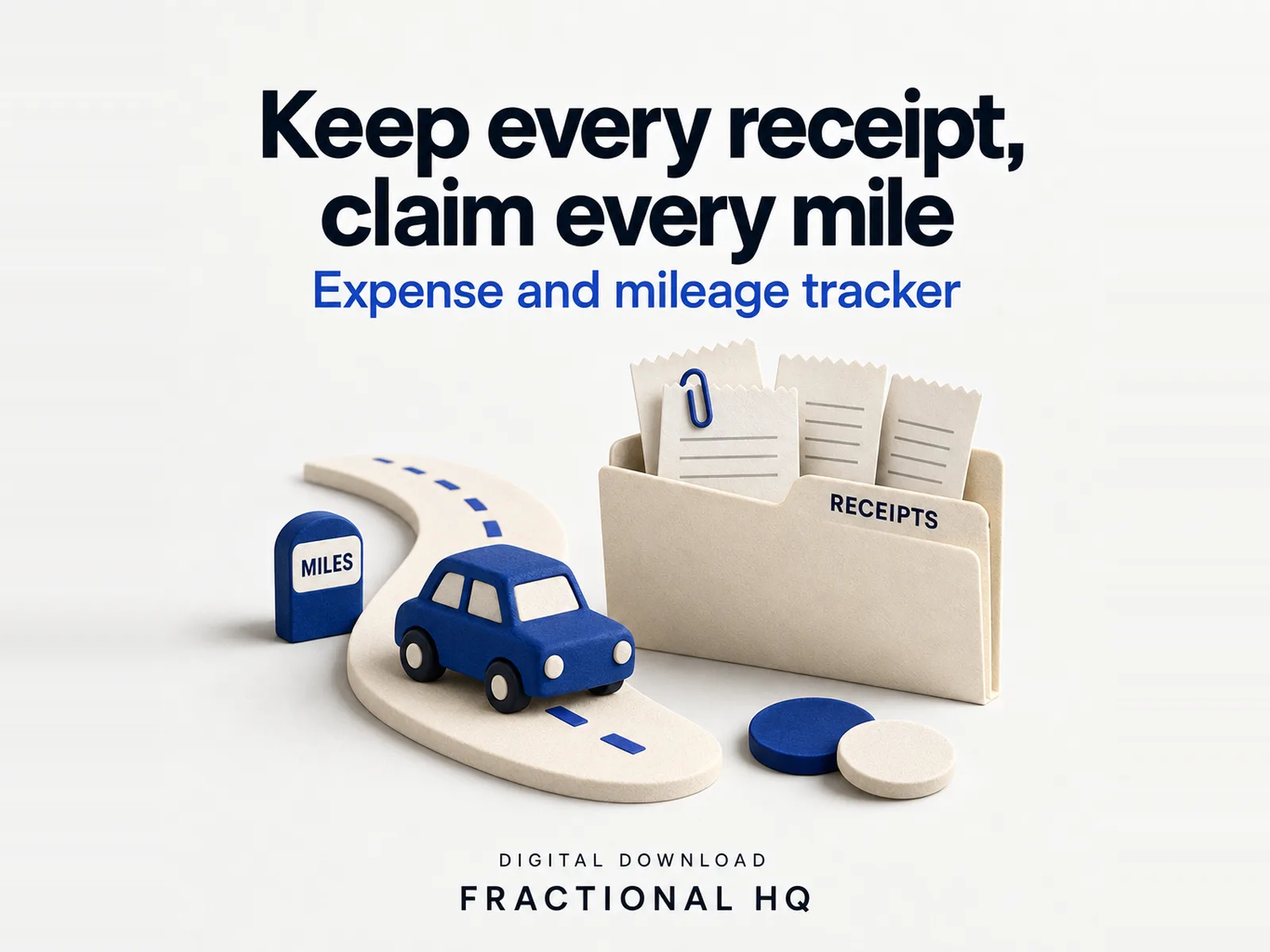
If you sell on Etsy and want your shop's receipts, miles and stock kept together, the Expense and mileage tracker for makers or the Etsy Bookkeeping Spreadsheet and Inventory Tracker in my shop is made for that. This workbook covers any UK sole trader's Self Assessment year.
Yours to keep
What lands
on your desk.
- A blank Excel workbook with Start here, Income, Expenses, Mileage, Working from home and Summary tabs
- A separate worked example for a fictional mobile dog groomer, so every sum can be checked
- A PDF with Google Sheets links that make your own copy
- SOURCES.txt listing the gov.uk pages behind each rate
Where it is sold
The download on Etsy.
My Etsy shop has this workbook as an instant download, next to my other spreadsheets.
A few useful
answers.
Does it send my figures to HMRC?
You copy the Summary figures into your return yourself. This is not Making Tax Digital software. It sends nothing to HMRC, and I have not tested it with any bridging software.
What happens when I pass 10,000 miles?
The journey that crosses the threshold is split, with the miles before the line at 55p and the rest at 25p. I count car and van miles together towards the 10,000-mile threshold, the way HMRC's worked example adds up one year's business miles. If you run more than one car or van, check with HMRC or an accountant how the threshold applies to you.
Can I use the trading allowance instead of expenses?
The Summary shows both routes side by side and names the one that leaves the lower profit. For the year, you claim one of the two.
A little further down
the same path.
Related builds for the rest of your business.
Make this work for you
Your tools.
Your working version.
Want this built and handed over working? Tell me what your version needs to do. One line is enough to start.
Start a brief