Give every action an owner
The same weekly call happens, decisions get made, and by the next one nobody's sure who owed what. Below is the Notion system I built for my own weekly calls: two linked databases, one row per meeting and one row per action, so an open item never loses the thread back to where it came from.
The question
this build answers
Is there a simple Notion setup for tracking what a meeting decided and who owes what, without it turning into another tool nobody opens?
From the first trigger
to the finished job.
The working version, step by step.
One row per call
Meetings holds one row per call: the date, the attendees and a summary. I paste my notes into Summary during or straight after the call, while I can still remember what was actually said.
One row per action, linked back
Actions holds every task a meeting produced, with an owner, a due date, a status of Open or Done, and a link back to the meeting it came from. Nothing sits disconnected from the call that produced it.
Open items sort to the top
The Actions database is built to keep open work visible: set Status to Done as things close, and what's still owed stays where you'll actually see it before the next call.
Who this is for
Anyone who runs the same meeting with the same people every week and needs to know, before the next one, what's still owed. I built it for my own weekly calls.
What it leaves out
I built it as the record, and left the automation to whatever you already run: it holds what I typed and leaves the chasing to me. The two linked databases are plain Notion tables, so n8n, Zapier or Make can write into them the same way I do by hand.
How to start
I add a row to Meetings before a call with the title, the date and the attendees, then paste my notes into Summary during or straight after. For each thing someone owes, I add a row to Actions with the owner and the due date, linked back to that meeting.
Before you spend anything
The fit matters.
Who should not use this
If your meetings don't produce action items, only decisions logged elsewhere, the Actions database has nothing to hold and this is overhead you don't need.
If you already track actions inside a project management tool your team actually opens, duplicating that into Notion gives you a second place to check on top of the one you already use.
Yours to keep
What lands
on your desk.
- Two linked Notion databases: Meetings and Actions
- A status board that keeps open actions visible ahead of Done ones
- Sample rows showing the shape of a real week, so you can see how it's meant to be used before you clear them
- The template in English, free to duplicate
See the work
Open the proof.
Published case studies of running systems. Each links to the thing itself.
A few useful
answers.
Does it take meeting notes for me?
You paste your own notes into the Summary field; the system holds the record and links it to the actions it produced, and never writes anything on its own.
Can an automation write into it?
Meetings and Actions are plain Notion databases, so n8n, Zapier or Make can write rows into them the same way you would by hand.
Is there a paid version with more in it?
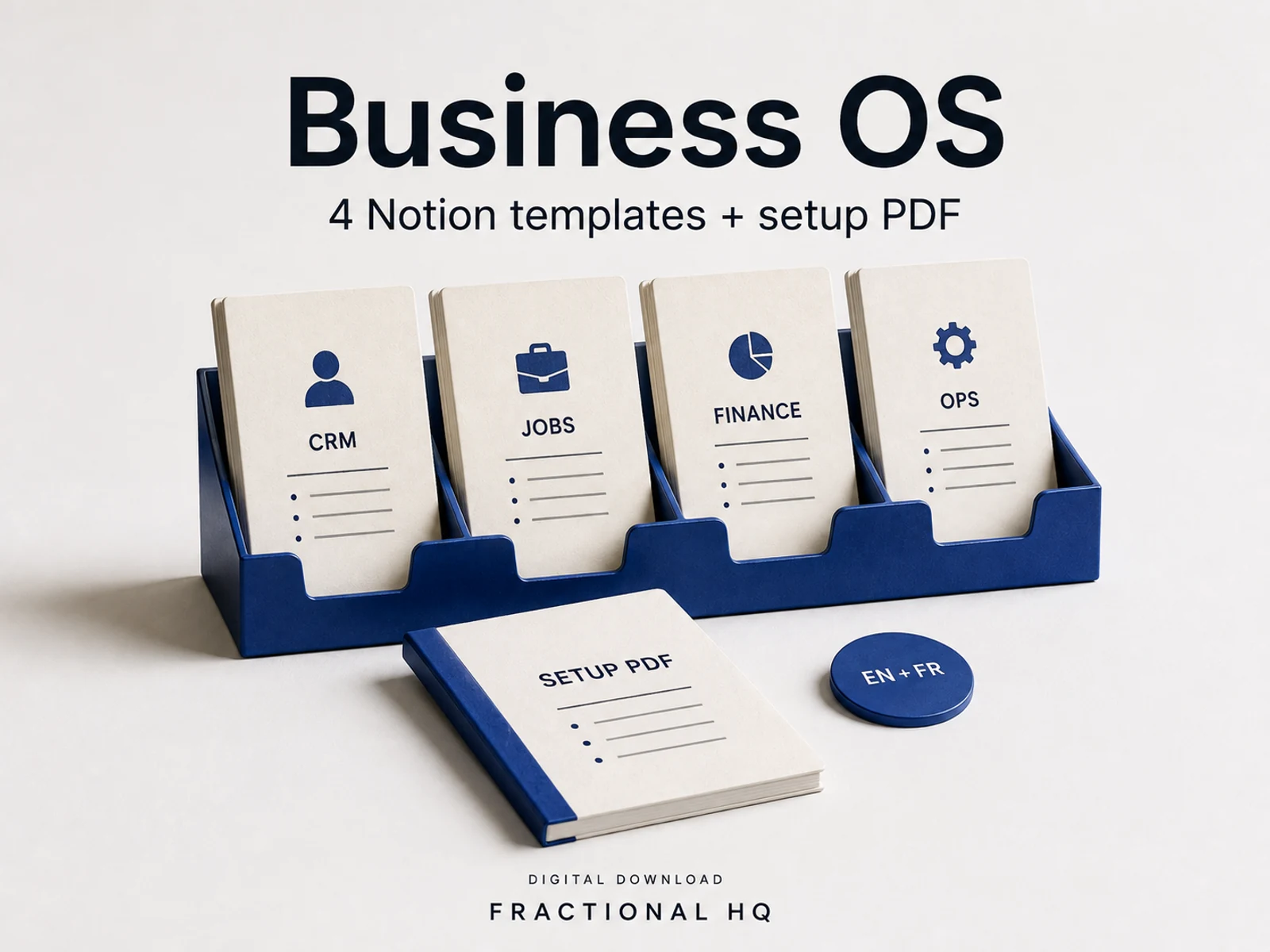
Not on its own. It's one of the standalone systems I've built in Notion; Business OS is the bundle if you want it alongside a CRM, a job tracker and a finance tracker.
Is it free?
Yes, free to duplicate.
A little further down
the same path.
Related builds for the rest of your business.

Make this work for you
Your tools.
Your working version.
Want this built and handed over working? Tell me what your version needs to do. One line is enough to start.
Start a brief