Looking for work
Keep job replies in view
A quiet application thread is easy to lose in your inbox. We track job-related Gmail conversations in a Google Sheet and prepare follow-up drafts in their original threads for you to review and send.
Buy the download · $9 The n8n download, $9 USD
The question
this build answers
How can I track job applications and draft follow-ups from Gmail?
This n8n workflow reads recent job threads, keeps one Google Sheets row per company and prepares Gmail follow-up drafts. It can create unconfirmed interview holds when an email gives a date and time, and emails a weekly funnel summary.
How the workflow works
Follow the inputs, decisions and outputs before connecting your accounts.
| company | stage | lastSpeaker | followUps |
|---|---|---|---|
| ExampleCo | applied | me | 1 |
| Avery | interview | them | 0 |
The companies in this example are invented. These selected columns show application stage, who spoke last and the number of follow-up drafts.
Read recent threads
An hourly run searches job-related Gmail conversations within the configured lookback window.
Update the application row
The workflow records the stage, recent messages and whose turn it is. Multiple roles at the same company share one row.
Prepare a follow-up
Eligible quiet threads receive a Gmail draft. Existing drafts and the configured follow-up limit help prevent repeated drafting.
Review your next steps
Check drafts before sending. Interview holds are unconfirmed, and the Monday summary shows the pipeline and upcoming dates.
The n8n download, $9 USD
Gmail application follow-ups
Keep application replies and follow-up drafts together using the supplied workflow and Applications sheet headers. Our setup guide covers the Gmail, Sheets and Calendar connections, and the ZIP includes the test notes and licence. You pay provider charges through your own accounts and arrange installation separately if you need help connecting the workflow.
Buy the download · $9Need more workflows? $99 USD
Everything Pack
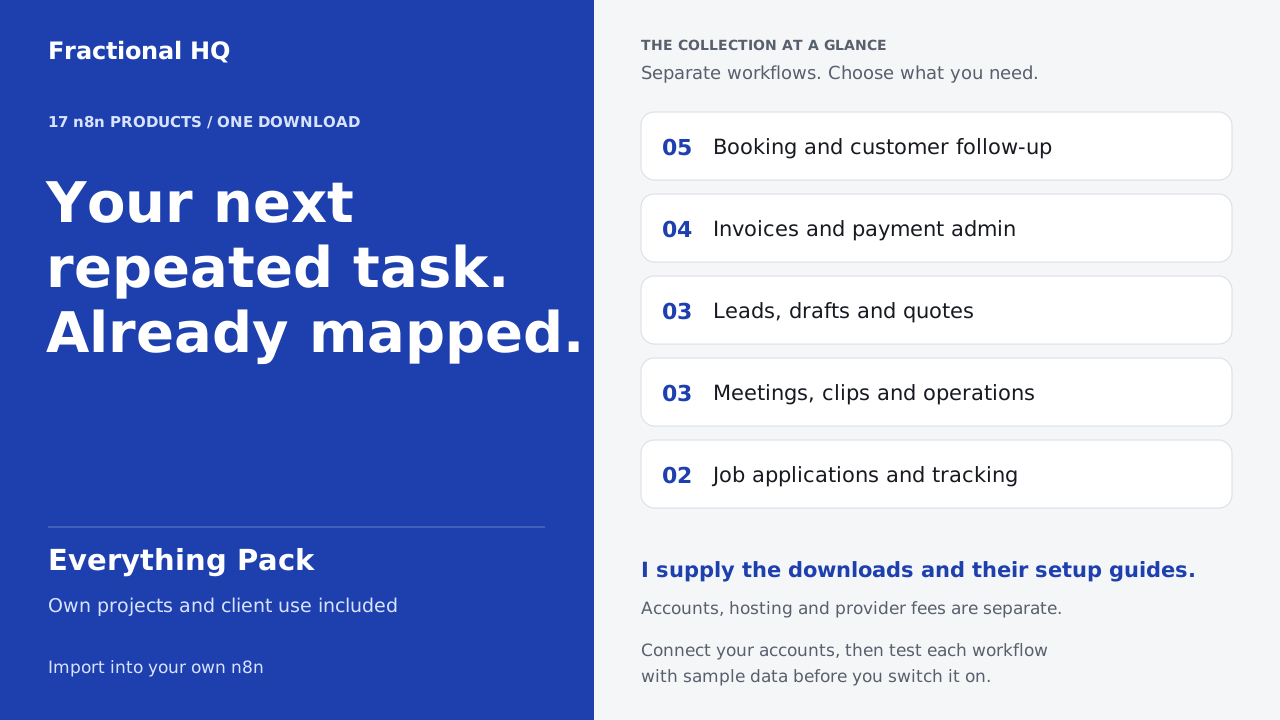
We include seventeen products and twenty-five workflow files for bookings, finance, leads and admin. Choose the parts your business needs and configure each workflow separately with its own guide.
Buy the Everything Pack · $99Accounts and running costs
You will need n8n, Gmail, Google Sheets and Google Calendar credentials, an Applications tab with the documented headers and your name, email and workflow timezone.
Use your own accounts and connect their credentials in n8n. Hosting and provider charges are separate from the download. Run a sample through the connected workflow before enabling it.
Connect a test mailbox first
Create the Applications tab with the documented headers, then set your email, name, sheet URL and calendar ID. Keep the calendar and workflow in the same timezone.
Drafts and calendar holds are enabled in the supplied settings. The manual import reads up to 60 days of mail and can create drafts and holds; it is not a preview. Start with a test mailbox and calendar.
Read the classification and calendar limits
The workflow uses English text rules. Each run reads up to 100 threads, normally from the last 21 days. Numeric dates are read day first, and two jobs at one company share a row. Review classifications and recipients before sending any draft.
Test the calendar branch in your own calendar before relying on it.
Before you spend anything
The fit matters.
Check the one-row-per-company model
If you need a distinct record for every role at one employer, this data model will not fit. The workflow also assumes English mail and does not submit applications for you.
Yours to keep
What lands
on your desk.
- An editable n8n workflow for Gmail application tracking and follow-up drafts.
- Public setup instructions for the Applications sheet and account connections.
- A weekly owner summary and optional unconfirmed calendar holds, subject to your own provider tests.
Source workflow
Inspect the template
The public n8n listing describes this workflow and its setup.
A few useful
answers.
Will the workflow send a follow-up for me?
Follow-ups stay in Gmail as drafts. You check the wording and recipient, then decide whether to send.
How is this different from the CV drafting template?
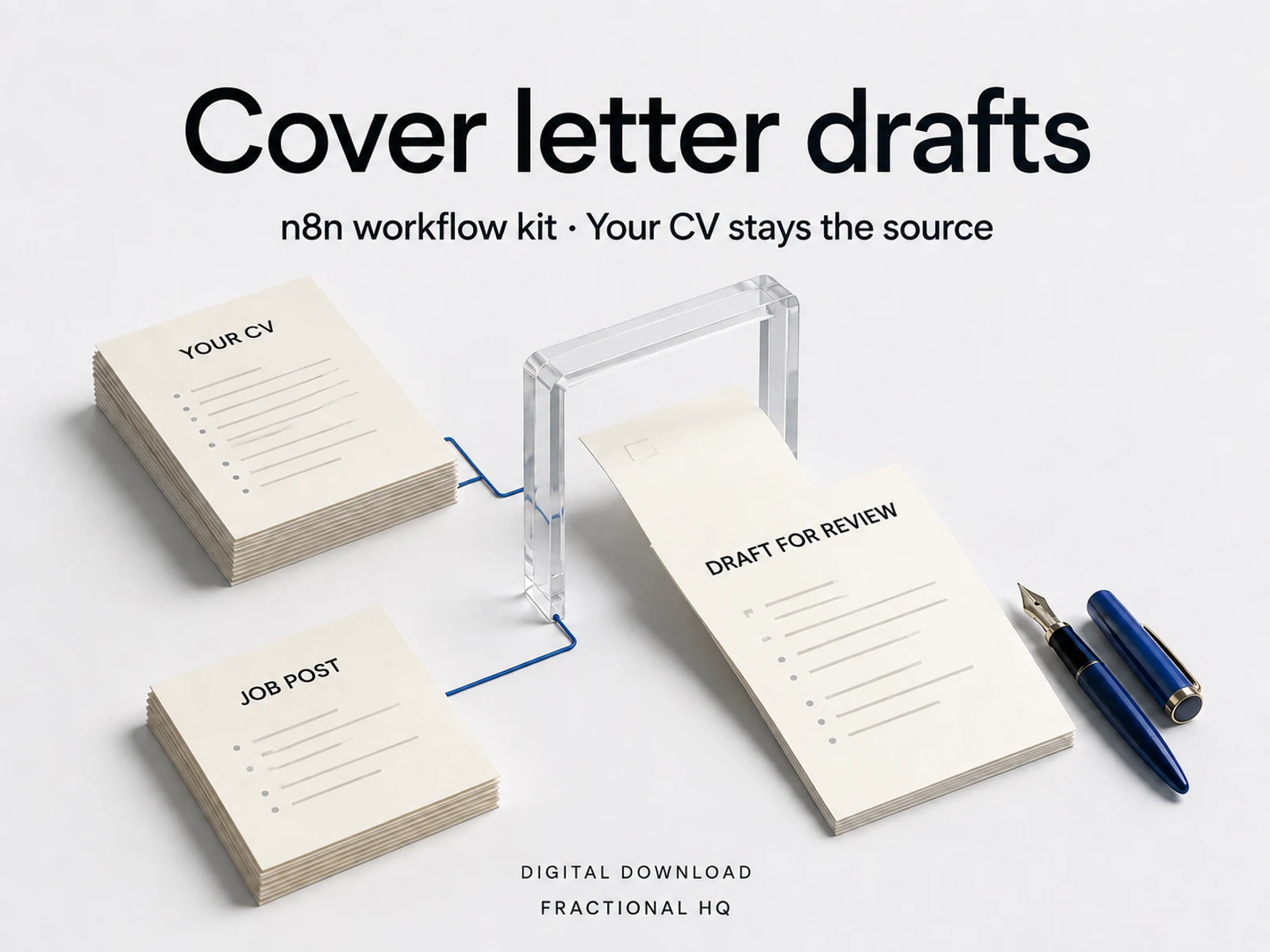
This workflow tracks conversations after an application and drafts follow-ups. The separate CV drafting template reads job postings and prepares application material.
A little further down
the same path.
Related builds for the rest of your business.
Licence and support
Personal and commercial use on your own instances and for your own clients. Do not resell or redistribute the files themselves.
Email support@fractionalhq.uk and include your order email.
Ways to get this
Download it,
or ask for a build to fit.
Download it
$9 USD
The workflow files and the setup guide, to import into your own n8n.
Buy the download · $9Ask for a build to fit
Quoted to your job
Tell us what your version needs to do. One line is enough to start.
Start a brief