One shelf, four systems
Running solo usually means the operational side lives in whatever tool you opened first: leads in one tab, applications in a doc, invoices in an email thread, and the jobs behind the scenes nowhere at all. Below are the four Notion systems I built to fix that in my own operation, bundled with the duplicate links and a setup note so you are not hunting down four separate templates one at a time.
The question
this build answers
Is there a single Notion setup that covers my CRM, invoicing, job tracking and ops instead of stitching four templates together myself?
From the first trigger
to the finished job.
The working version, step by step.
One hub, one way back in
I built one hub page that links out to all four systems. It works as an index rather than a merge, so nothing written into one system carries over into another. I open it from the PDF in a browser where I'm signed in to Notion, and I use it as my way back in from there.
Score a lead before you chase it
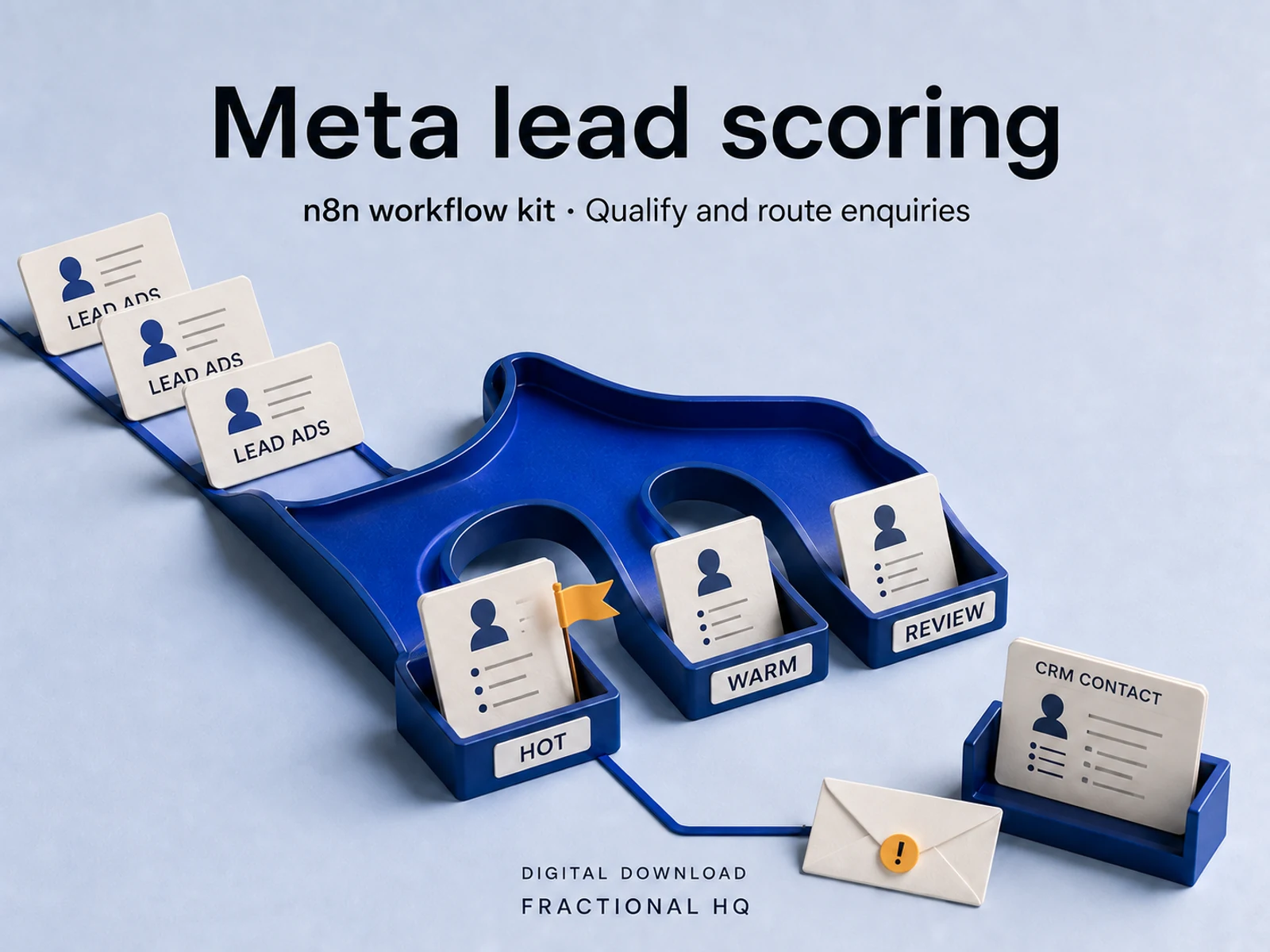
The CRM holds a leads database with a fit score and a verdict on each one, an activity log, and the companies behind them. It is the same shape a lead needs once an automation has scored it, which is why the Meta Lead Ads kit I sell separately writes straight into this board if you run it.
Track an application without losing the thread
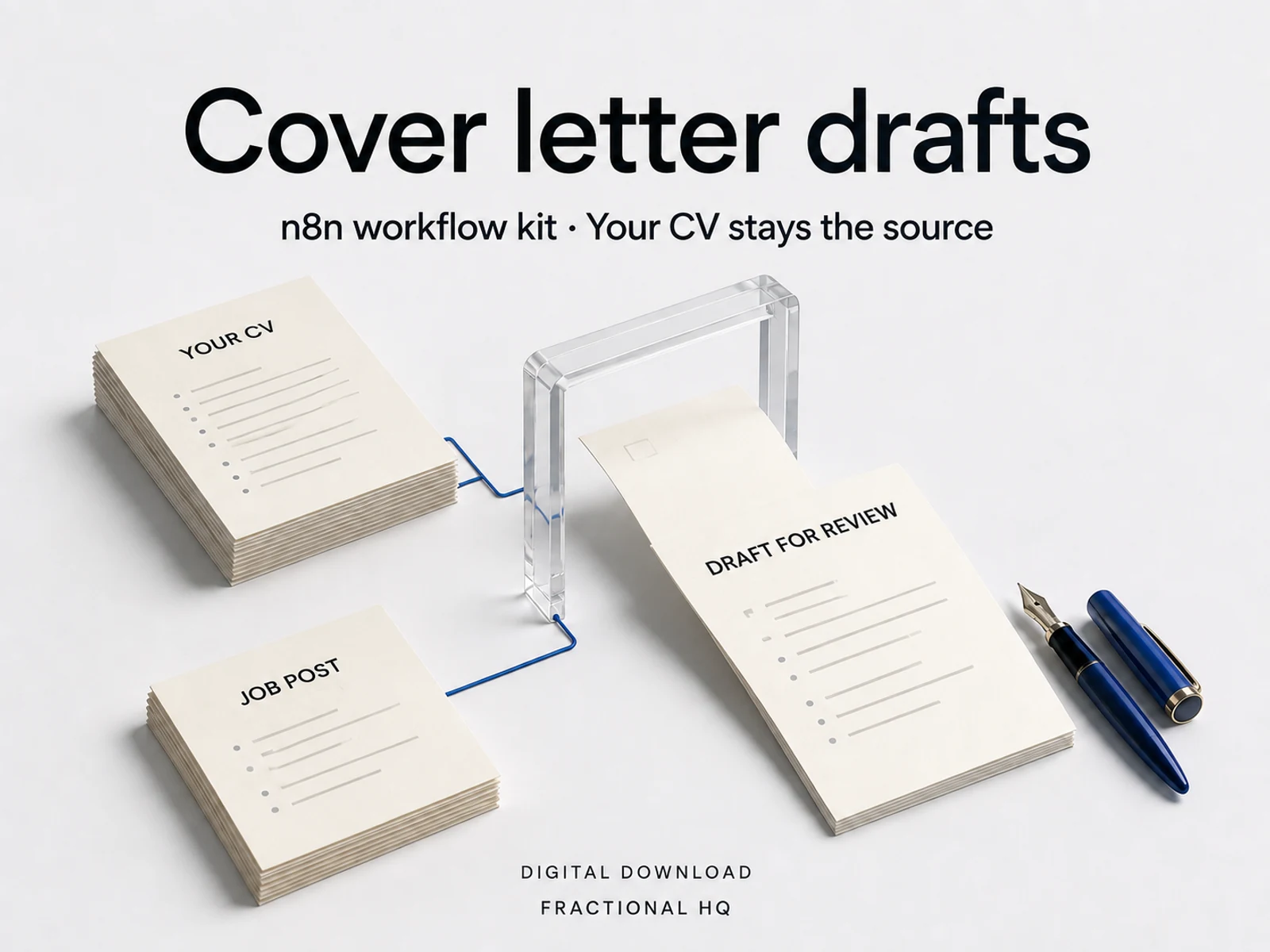
The job tracker holds every posting, the interviews and the contacts, plus a facts bank: the same source my job-application autopilot reads from when it drafts a tailored letter. Use the board by hand or feed it from the automation. Either way nothing gets typed twice.
Track invoices without opening three tabs
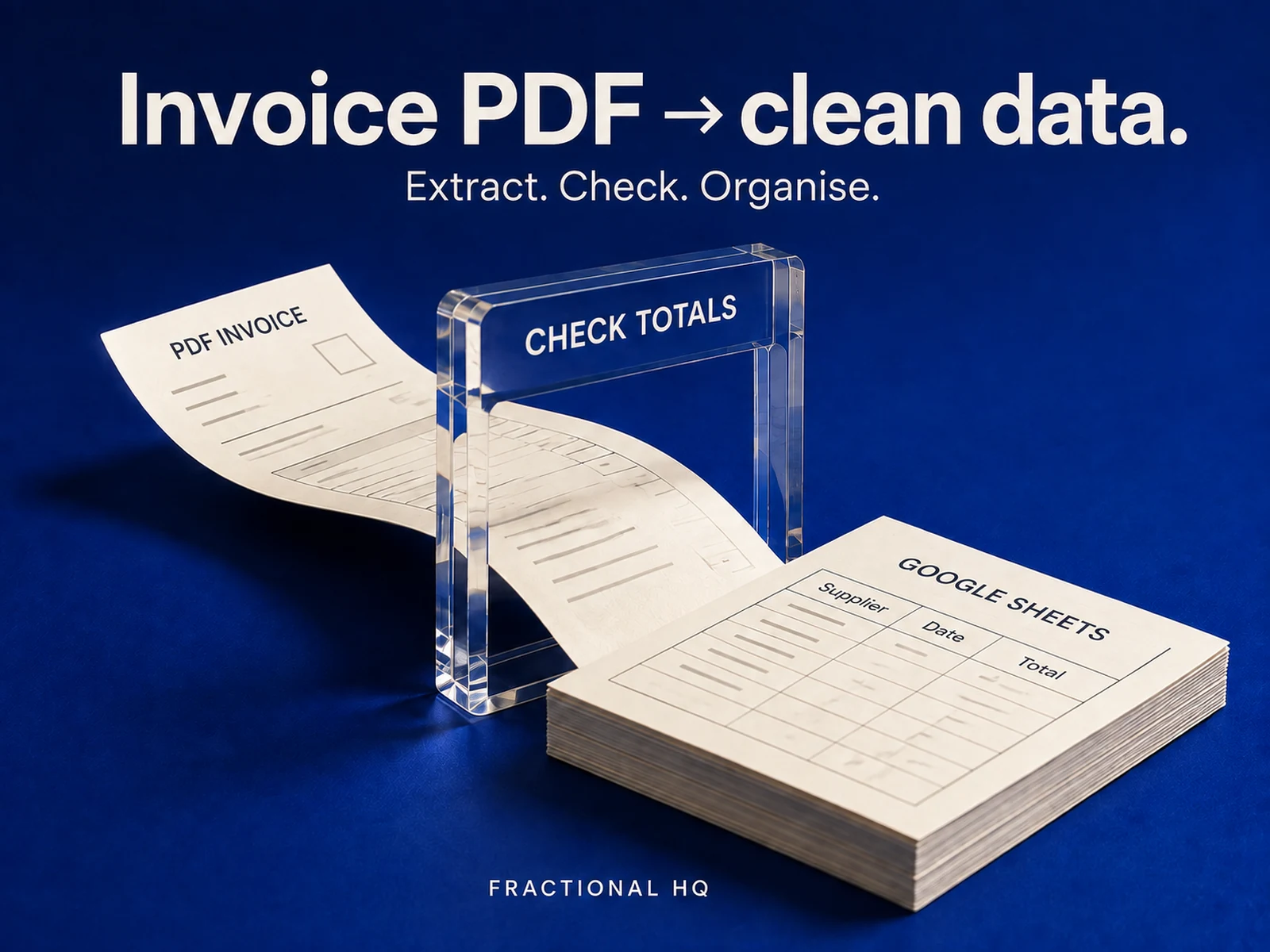
I set the finance and invoice tracker up as two databases, Invoices and Expenses, with a status board that runs Draft through Sent, Paid and Overdue. On a Friday it tells me two things straight away: who still owes me money, and what I actually spent it on.
A registry for the jobs behind the scenes
I added the automation ops command centre because the four boards above don't cover everything: it holds a jobs registry, an incident log, an SOP library and a cost tracker for whatever I've got running unattended. It's the one system I built for myself rather than for a customer.
Duplicate only what you need, in English or French
Every system exists in both languages under its own name, and I built each one to duplicate in about ten minutes. There's no required order and no rule that says you need all four: if leads are what's hurting right now, duplicate the CRM and leave the rest for later.
What four separate template hunts actually costs
I built these one at a time, for my own operation, because I needed a leads board before I needed an invoice tracker, and I wasn't about to build all four on day one. Each one shipped and got used before I bundled it, and I only put the bundle together once all four were real.
The cost of not bundling them is one I paid myself: an hour choosing a CRM template, another choosing a tracker, and a fair chance the two ended up using a different status vocabulary by the time I was done, which became its own small tax every time I moved between them.
The parts that break
Nothing syncs between the four systems, and I built it that way on purpose. If you want a lead's status reflected on your finance board, that's a relation you'd build yourself, or a job for the automations I sell alongside this; the bundle doesn't do it for you.
The English and French versions are two separate templates I built independently, not a translated view of one. If I edit a French row, the English one doesn't know, so I'd pick the language I actually work in and treat the other as a courtesy copy.
The PDF holds duplicate links, not a Notion connection. If Notion changes how a shared page duplicates, or a link goes stale, message me from the order and I fix it or refund it. That has not happened yet, and I would rather tell you the failure mode than pretend there isn't one.
What it costs to run
A free Notion account is enough for all four. Nothing in the PDF holds a credential or a personal detail, so there is nothing to rotate and nothing that expires.
The automations that write into these boards are separate purchases I price and sell on their own listings. The Notion side works entirely by hand if you never buy one, which is the honest floor case: you're paying me for the four systems and the setup note, not for automation you haven't bought.
Why take this from me
Because I run all four of these in my own operation today, not as a demo built to sell a template. The case studies below link to the wider estate they sit inside, including an operational brain that is open source, so you can read how I build before paying me anything.
The fair objection is the same one on every page here: my proof is my own operation, not a client roster, and there are no reviews yet. I would rather write that down than have you notice it.
Before you spend anything
The fit matters.
Who should not buy this
If you only need one of the four, buy nothing: each is free on its own on Notion's marketplace, and the bundle only earns its price once you actually want more than one.
If you want the four systems pre-linked so a lead updates your finance board on its own, this isn't that. I built nothing here to sync between systems, and the automations that would wire two of them together are separate listings I sell on their own, not included.
Yours to keep
What lands
on your desk.
- One PDF I hand you holding the hub link plus all four systems, in English and in French
- A setup note I wrote, walking the ten-minute duplicate flow for each system
- A README where I lay out exactly how the four systems relate to each other, and how they don't
- Personal and commercial use in your own workspace, licensed for your own clients too
- A message-me line if you want me to rebrand the four boards to your business, or walk you through setup live, both quoted separately
See the work
Open the proof.
Published case studies of running systems. Each links to the thing itself.
A few useful
answers.
Do the four systems sync with each other?
They don't sync with each other. The hub page is an index, not a merge, so nothing written into one system carries into another. Anything shared between them is a relation you would build yourself, or a job for the automations I sell separately.
What if I only want one of the four?
Duplicate just that one. Each system is free on its own on Notion's marketplace, so the bundle is only worth paying for once you want more than one.
Is it available in French?
Yes, all four systems exist in English and French under their own names. They are separate templates rather than a translated view of one, so edits to one language don't appear in the other.
Do I need the n8n automations too?
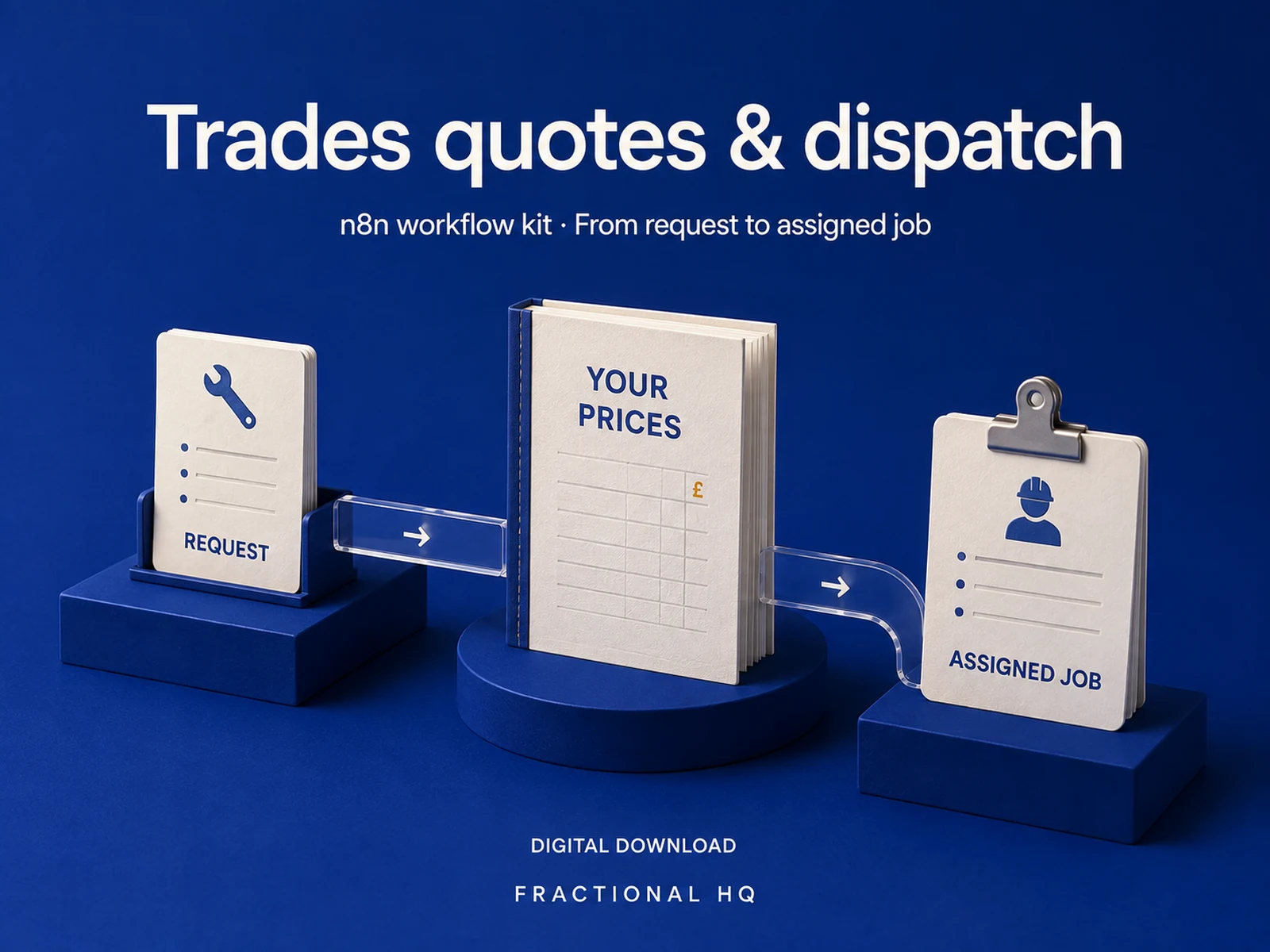
You don't need them. The Notion side works entirely by hand. The automations that write into these boards, a Meta lead qualifier, a job-application autopilot, an invoice reader and a trades dispatch kit, are separate listings I sell in this shop.
A little further down
the same path.
Related builds for the rest of your business.
Make this work for you
Your tools.
Your working version.
Want this built and handed over working? Tell me what your version needs to do. One line is enough to start.
Start a brief