See when invoices may be paid
An invoice due date tells you when payment was requested. We use recorded payment history and promised dates to estimate when each unpaid invoice may arrive, then write the forecast back to Google Sheets.
Buy the download · $9 The n8n download, $9 USD
The question
this build answers
Can I forecast invoice payment dates from a Google Sheet?
This n8n workflow uses paid-invoice history to estimate expected dates for unpaid invoices. It writes a Forecast tab, emails the owner about new alerts and sends a weekly forecast summary. It never contacts clients.
How the workflow works
Follow the inputs, decisions and outputs before connecting your accounts.
| client | expected_on | confidence |
|---|---|---|
| ExampleCo | 2026-11-16 | promised |
| Avery | 2026-11-20 | low |
ExampleCo and Avery are invented names. These rows show selected Forecast columns; your payment estimates depend on your own invoice history.
Read the invoice ledger
Keep invoice IDs, client names, amounts, currencies and due dates in the Invoices tab. Add payment dates as money arrives.
Learn payment patterns
The workflow calculates payment lateness from paid history. A client needs three paid invoices before their own pattern is used with the default settings.
Write the forecast
Each unpaid invoice receives an expected date and a reason. A current promised date takes priority over the estimate from past payments.
Email the owner
New alerts cover changes such as broken promises or slower payment habits. A weekly summary shows the forecast even when there are no new alerts.
The n8n download, $9 USD
Invoice payment forecast
The forecast pack contains the workflow, setup guide and sheet headers for Invoices, Forecast and Alerts. We include the test notes and licence in the ZIP. Connect your own Google accounts and check the estimates against your ledger; installation and provider charges are separate.
Buy the download · $9Need more workflows? $39 USD
Money Pack
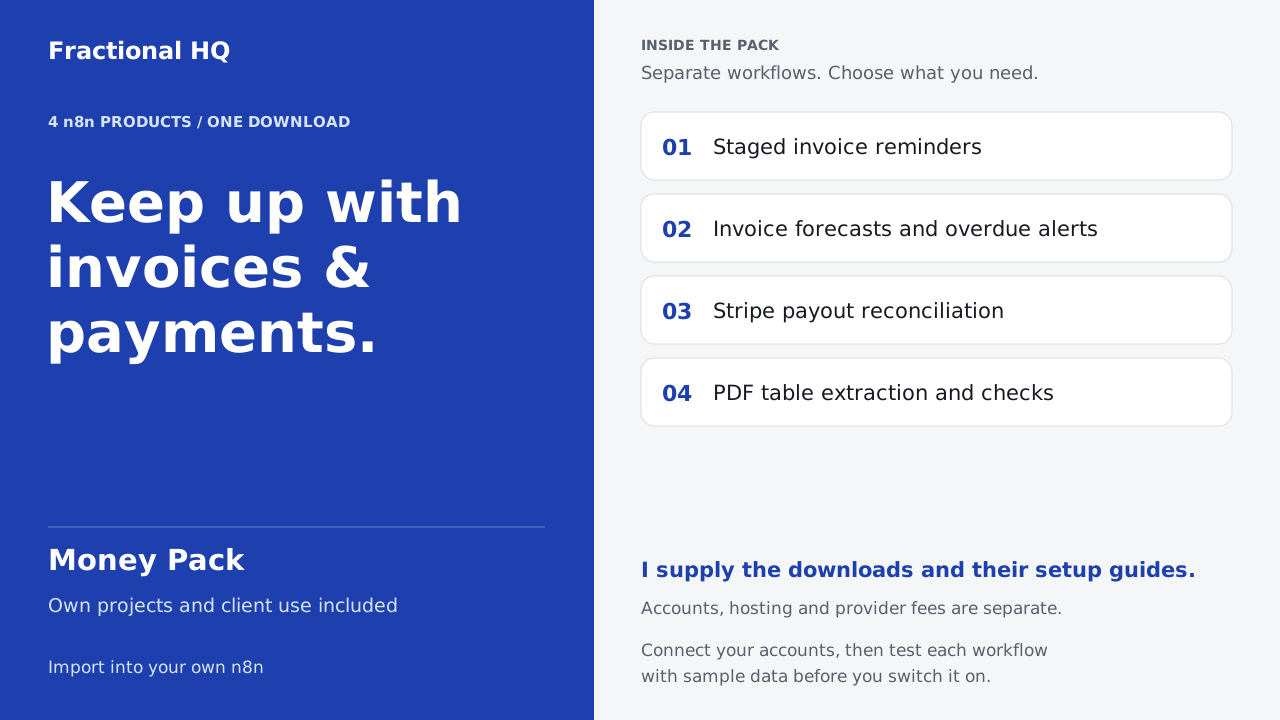
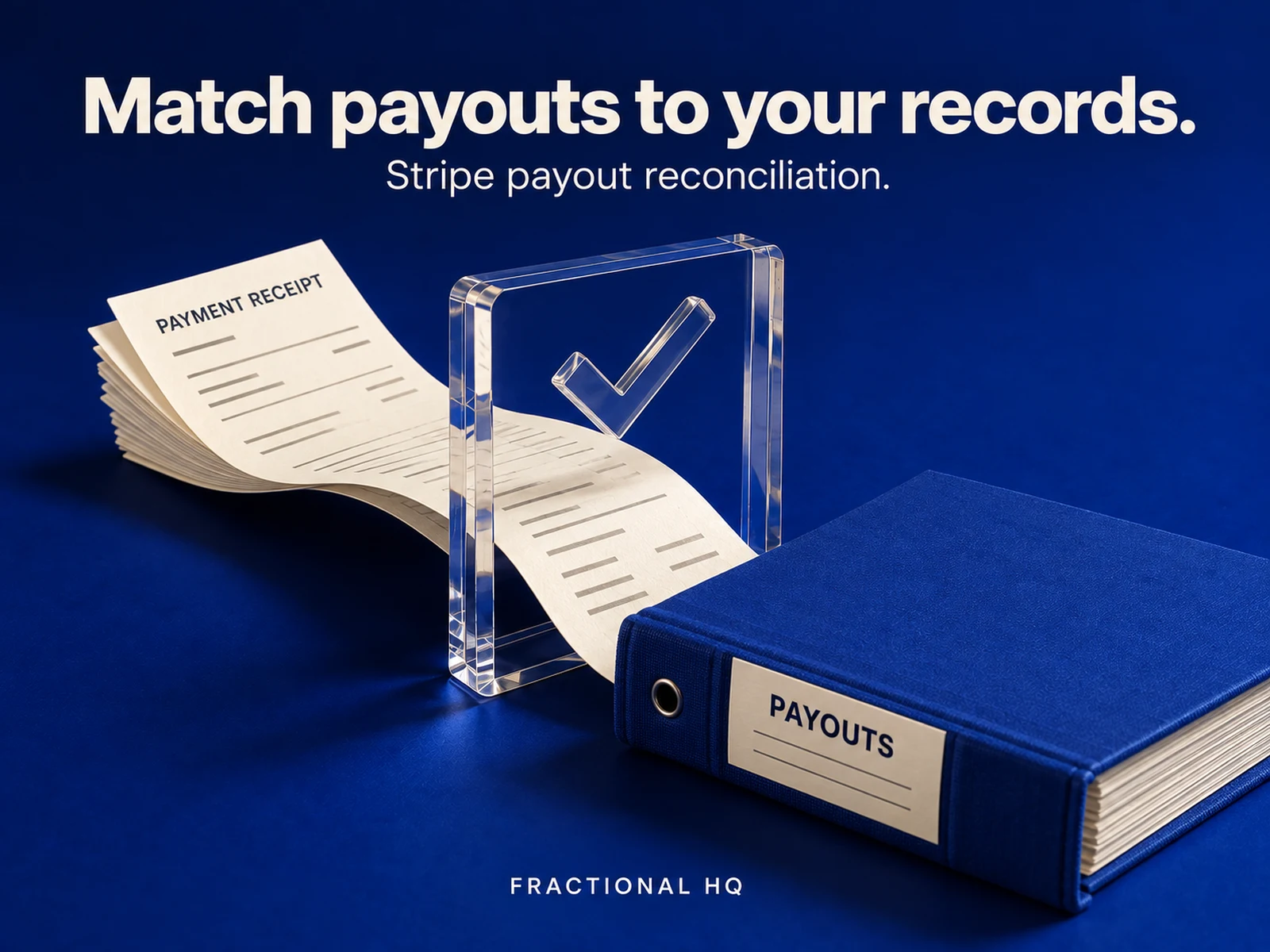
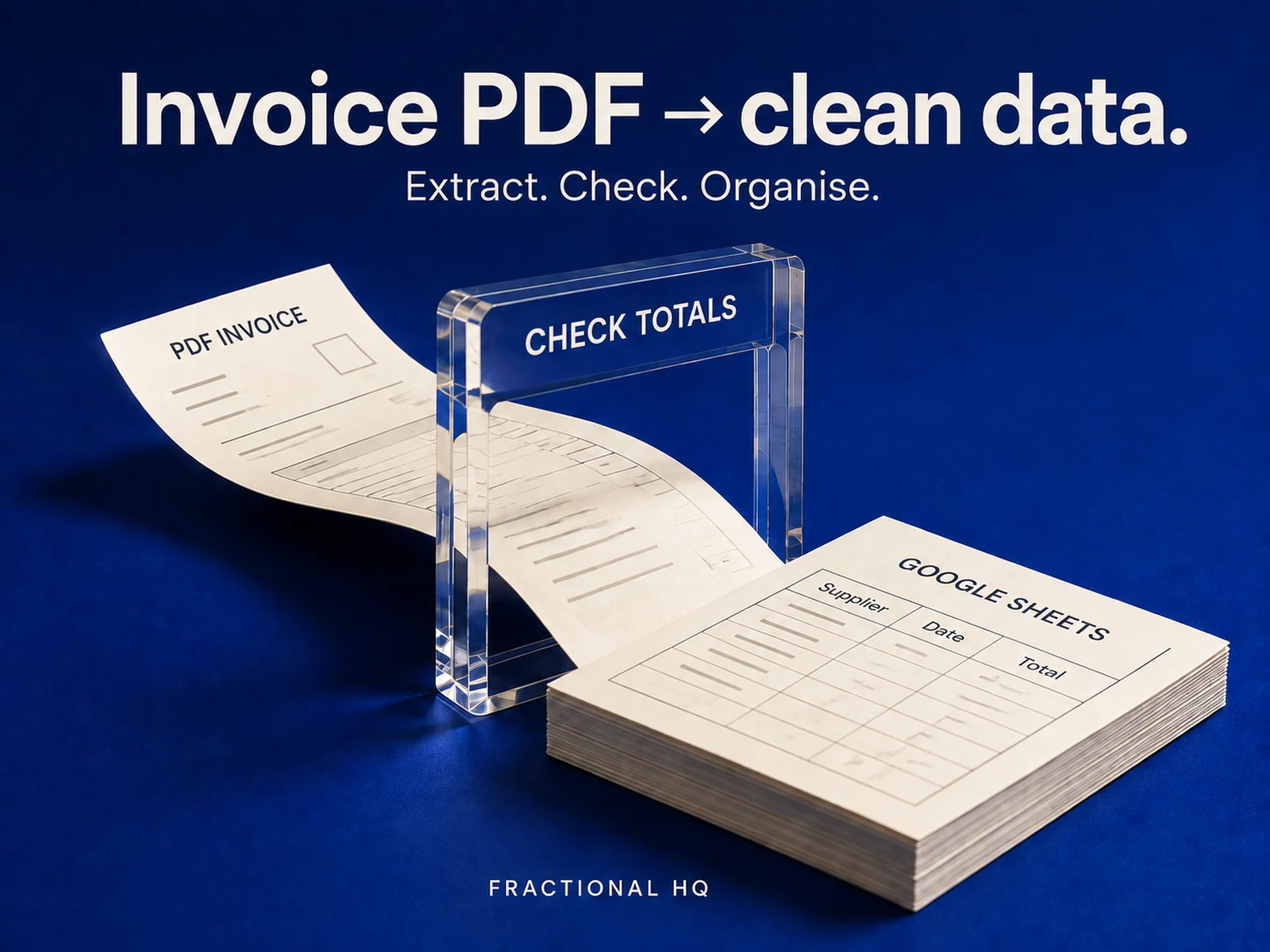
Keep reminders, payment forecasts, payout checks and PDF totals in one download. We include four products and seven workflow files; configure and test each workflow separately against your own records.
Buy the Money Pack · $39Accounts and running costs
You will need n8n, Google Sheets with the documented invoice columns, Gmail OAuth2 and your owner email and forecast settings.
Use your own accounts and connect their credentials in n8n. Hosting and provider charges are separate from the download. Run a sample through the connected workflow before enabling it.
Prepare the three tabs
Create Invoices, Forecast and Alerts with the documented headers. Forecast is rewritten on each run, so keep unrelated data elsewhere. Fill your owner email and sheet URL, then choose the date order, default currency and workflow timezone.
Use a separate test sheet first. Check the forecast and alert history after two runs. A manual run can send a summary even when it has no new alerts.
Use estimates with the right limits
Expected dates are estimates from your records. They do not guarantee payment. Keep currencies separate and update paid and promised dates consistently.
The public n8n title calls this an overdue invoice digest; this version also includes forecasting and alerts.
Before you spend anything
The fit matters.
Start with reliable payment records
If payment dates or client names are inconsistent, correct the ledger before relying on a forecast. If your accounting platform already gives you the forecast you need, keep using it.
Yours to keep
What lands
on your desk.
- The editable invoice-forecast n8n workflow and its public setup instructions.
- Forecast rows and alert history written into your own Google Sheet.
Source workflow
Inspect the template
The public n8n listing describes this workflow and its setup.
A few useful
answers.
Does this send payment chasers to clients?
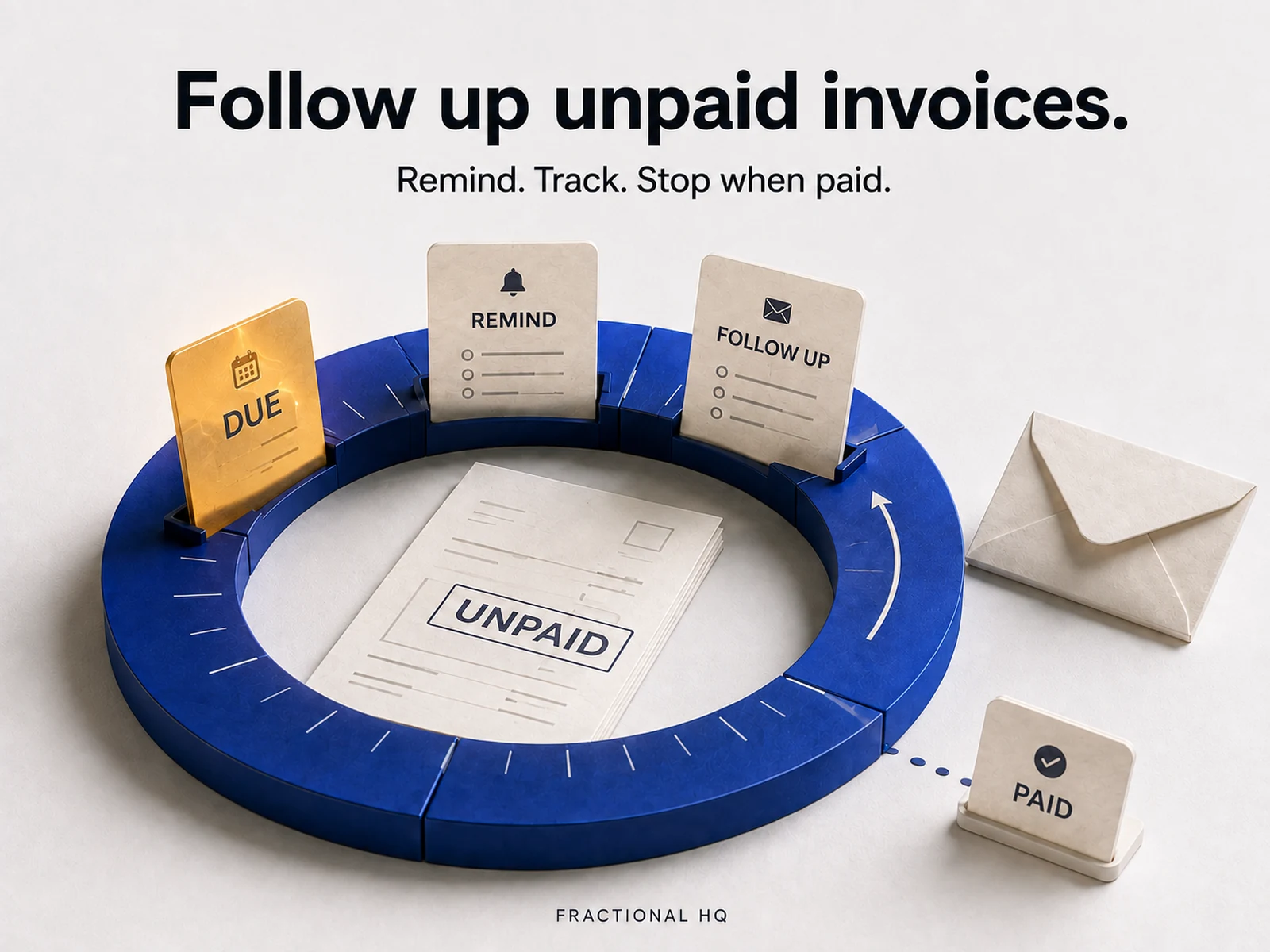
It emails the owner about alerts and forecasts. The separate invoice-chasing pack sends customer reminders.
How much history does a client need?
The default is three paid invoices before a client-specific pattern is used. The setup settings let you change that threshold.
Is this the daily overdue invoice digest on n8n?
The public listing title says daily overdue invoice digest. The November 6 workflow includes expected payment dates, a cash forecast and owner alerts.
A little further down
the same path.
Related builds for the rest of your business.
Licence and support
Personal and commercial use on your own instances and for your own clients. Do not resell or redistribute the files themselves.
Email support@fractionalhq.uk and include your order email.
Ways to get this
Download it,
or ask for a build to fit.
Download it
$9 USD
The workflow files and the setup guide, to import into your own n8n.
Buy the download · $9Ask for a build to fit
Quoted to your job
Tell us what your version needs to do. One line is enough to start.
Start a brief