Check possible duplicates before paying
A supplier invoice can appear twice with a slightly different name or number. We compare the rows in your Google Sheet and put possible matches in a review tab before the payment run.
Open the free duplicate checker The template, free on n8n
The question
this build answers
How can I check a Google Sheet for duplicate supplier invoices?
This free n8n template normalises supplier names and invoice numbers, compares invoice pairs and sends new possible matches to a review tab and Slack. It flags candidates for a person to check; it does not stop a payment.
From ledger rows to review
Possible matches stay visible for a human payment decision.
Read the supplier ledger
The weekday schedule reads your invoice tab. Configure the sheet URL and the column names used by your records.
Compare possible matches
The workflow normalises supplier names and invoice numbers, then checks matching numbers and amounts. A date window also catches some repeated amounts under a different number.
Keep a review history
New pairs go into the Possible duplicates tab. A pair already recorded there is not raised again on the next run.
Review before payment
Slack receives the new pairs. Check the supplier documents and your records before deciding what to pay.
The template, free on n8n
Supplier invoice duplicate review
Connect your own Google Sheet and Slack workspace. Review suggested pairs before making payment decisions.
Open the free duplicate checkerUse your existing Google Sheet
You need your own n8n instance, Google Sheets account and Slack workspace. Add the Possible duplicates tab with the 11 documented headers, then map the four source columns in Settings.
Run the workflow manually on a copy of your sheet first. Read every suggested pair and adjust the date window if legitimate recurring invoices are being flagged. Hosting and provider accounts are separate from the free template.
Different checks for different documents
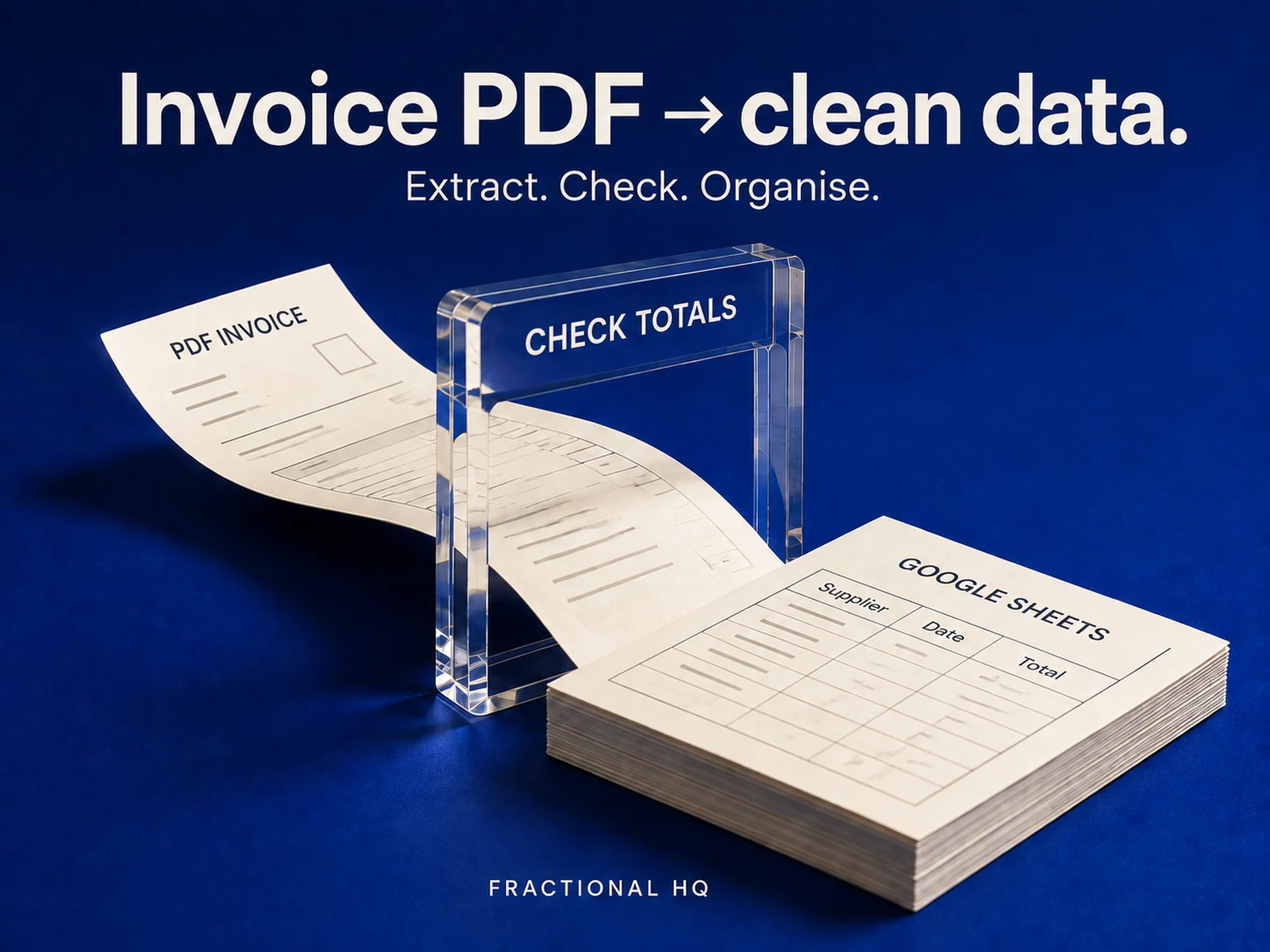
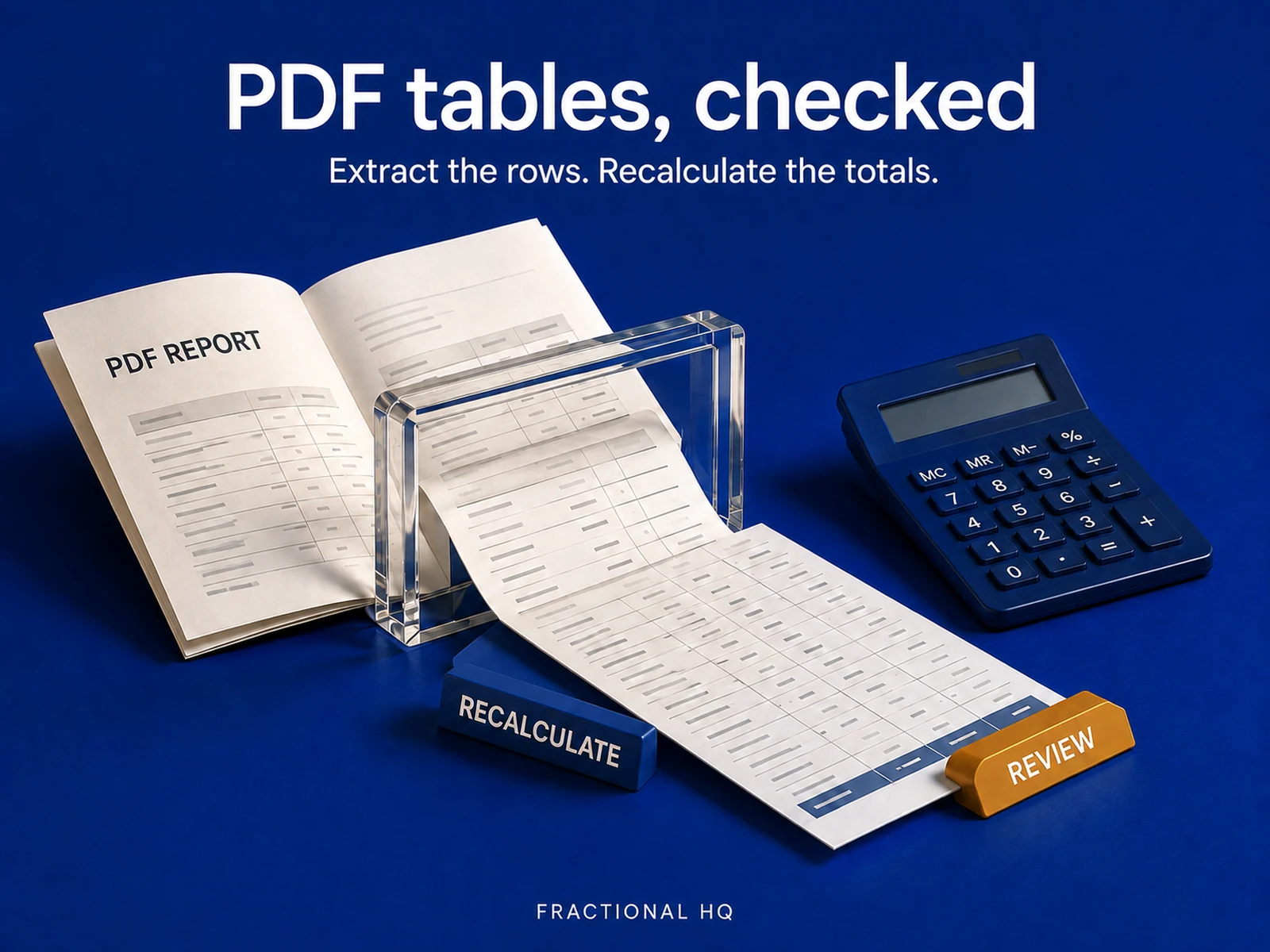
This template checks invoice rows already present in a sheet. The free Gmail invoice extractor can populate those rows from PDFs. The separate paid PDF table workflow extracts report tables and checks totals; it does a different job.
A flagged pair needs a person to confirm whether it is a duplicate. The workflow cannot block a payment. No connected test in your accounts is claimed here. Keep the review step in your normal payment process.
Before you spend anything
The fit matters.
Keep the payment decision with a person
If your accounting platform already flags duplicates reliably, use that feature first. This template fits a supplier ledger in Google Sheets and needs someone to inspect the matches before paying.
Yours to keep
What lands
on your desk.
- The free n8n workflow on its public template page.
- Setup instructions for the invoice columns, review tab and Slack connection.
Public source
Inspect the free workflow
The n8n page contains the workflow and its setup requirements. It is the source for the behaviour described here.
A few useful
answers.
Does this block duplicate payments?
It flags possible matches for review. It does not control your bank or payment system, so the payment decision stays with you.
Do I need the paid PDF table template?
The duplicate checker works with invoice rows already in Google Sheets. The paid PDF table workflow does a separate extraction and totals-checking job.
Will the same pair be flagged every morning?
The workflow checks the existing Possible duplicates tab and skips pairs already recorded there. Retain those recorded pairs so later runs can recognise them.
A little further down
the same path.
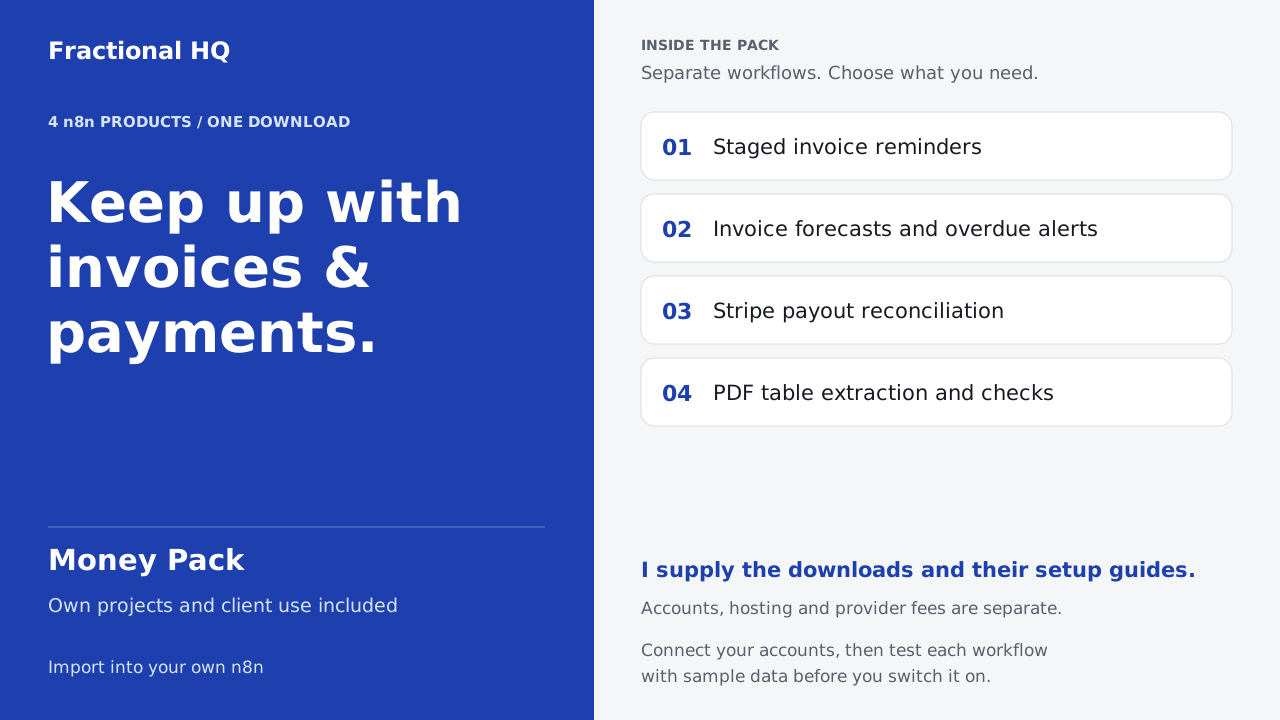
Related builds for the rest of your business.
Ways to get this
Download it,
or ask for a build to fit.
Get it
Free template
Copy into your n8n.
Open the free duplicate checkerAsk for a build to fit
Quoted to your job
Tell us what your version needs to do. One line is enough to start.
Start a brief